
Casinoways mobile app: play on your phone without a download
Casinoways is fully mobile compatible for iOS and Android users, and the operator states plainly that no app download is required — you play through your phone’s browser, and if you want an icon on your home screen, you add the site as a shortcut. That takes under a minute on either platform.
Everything below walks you through getting set up on iPhone, iPad and Android, and what you can actually do on the mobile version.
Table of contents
iOS: add Casinoways to your Home Screen
No App Store download exists, so the practical route is a Safari shortcut that opens the casino like an app.
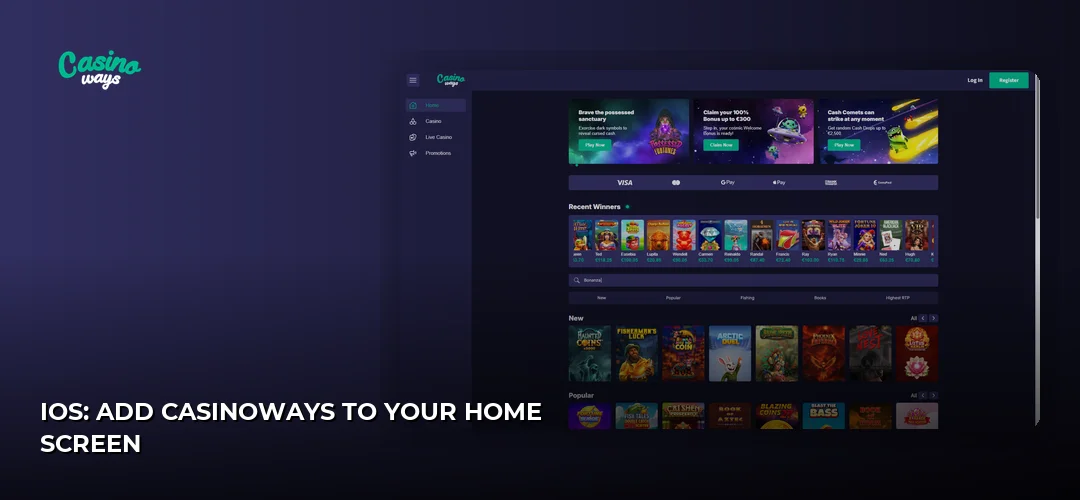
- Open Safari on your iPhone or iPad and go to the Casinoways website.
- Tap the Share button (the square with the arrow pointing up).
- Scroll down and tap Add to Home Screen.
- Name the shortcut and tap Add.
The icon now sits on your Home Screen. Tapping it opens the mobile casino directly in the browser — the same account, the same balance, no separate installation to update.
Android: browser play and Home Screen shortcut
There is no Casinoways APK or Google Play listing to install. Android players use the browser version, which the operator describes as fully mobile compatible.
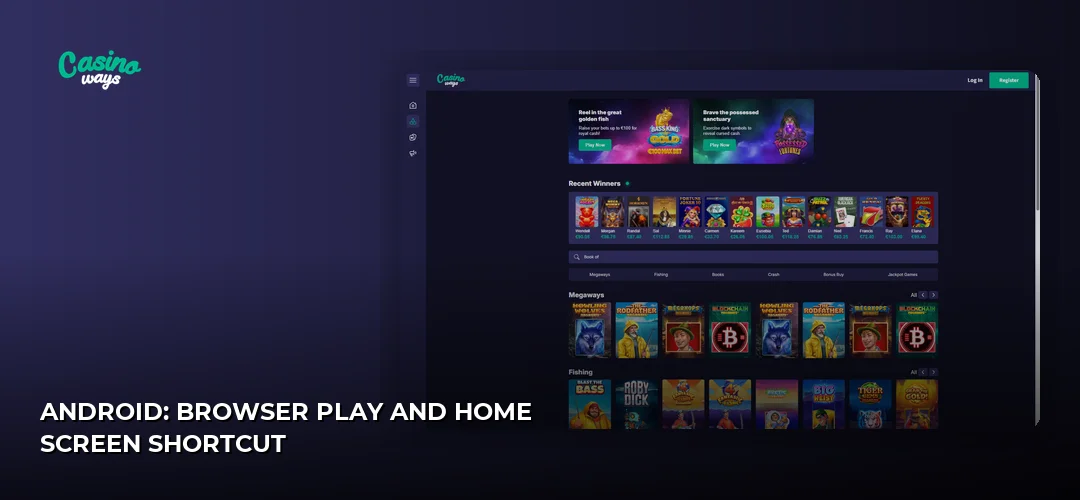
- Open Chrome on your Android phone or tablet and load the Casinoways site.
- Tap the three-dot menu in the top-right corner.
- Select Add to Home screen and confirm.
- Launch the casino from the new icon whenever you want to play.
Because nothing is installed, you never deal with APK files from third-party sites, version updates or app permissions. Bookmark the correct address and you always land on the genuine mobile casino.
What you get on mobile vs desktop
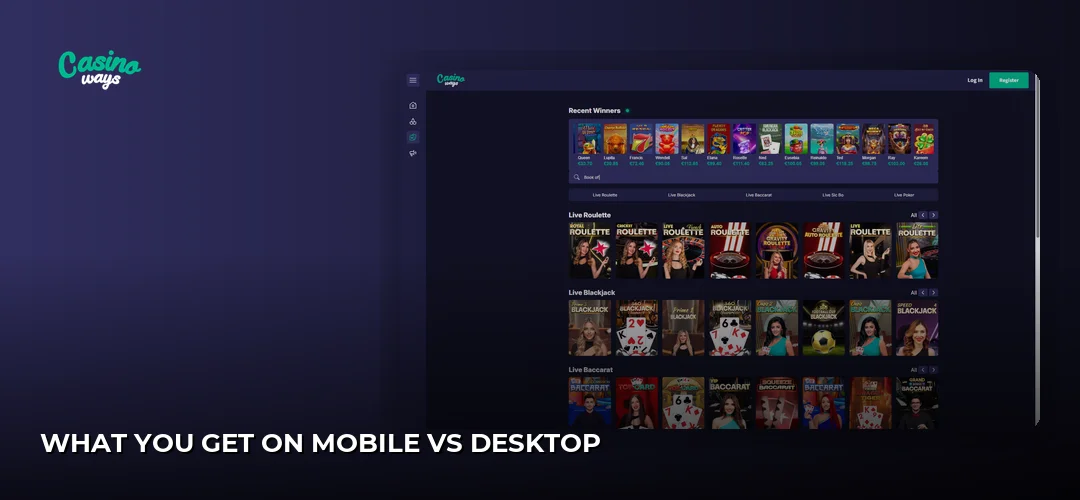
The operator positions the mobile experience as fully compatible rather than a stripped-down version: you access the casino through a responsive website that adapts to your screen. One account works across phone, tablet and desktop, so you log in with the same credentials wherever you play.
- No storage space taken up by an app
- No update cycle — the browser always loads the current version
- Same login on every device
If you have not set up an account yet, do that first — it takes a couple of minutes and works fine on a phone. Casinoways registration process.
Mobile banking and bonuses
Deposits and withdrawals on mobile run through the same cashier as desktop — open the banking section in your browser, pick your method and confirm. The full breakdown of supported options and limits sits on a dedicated page: Casinoways deposits and withdrawals.
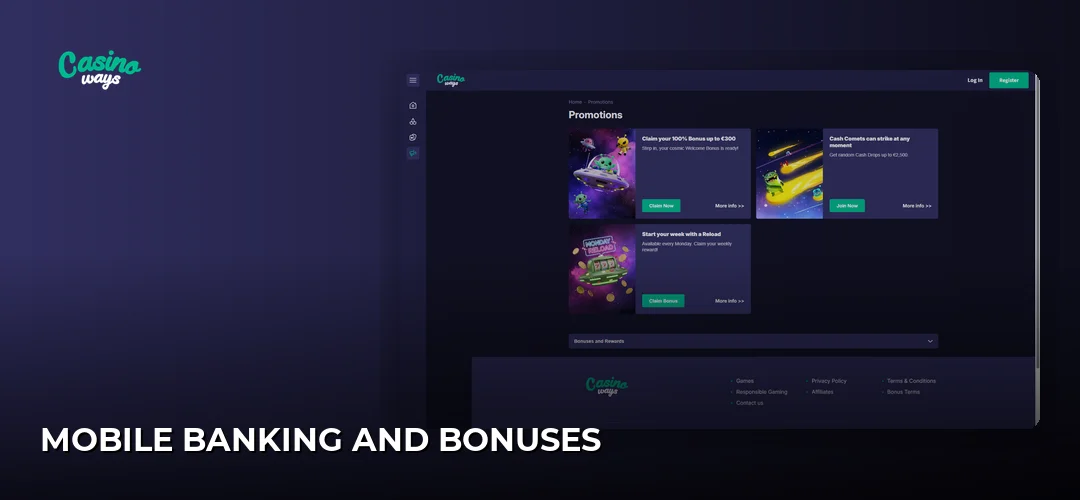
Promotions are also claimed through your account regardless of device. Current offers and their terms are covered here: Casinoways bonuses and promotions.
For the wider picture — game selection, account rules and how the operator stacks up overall — see the main page: Casinoways review.
Frequently asked questions about Casinoways mobile
Does Casinoways have a mobile app?
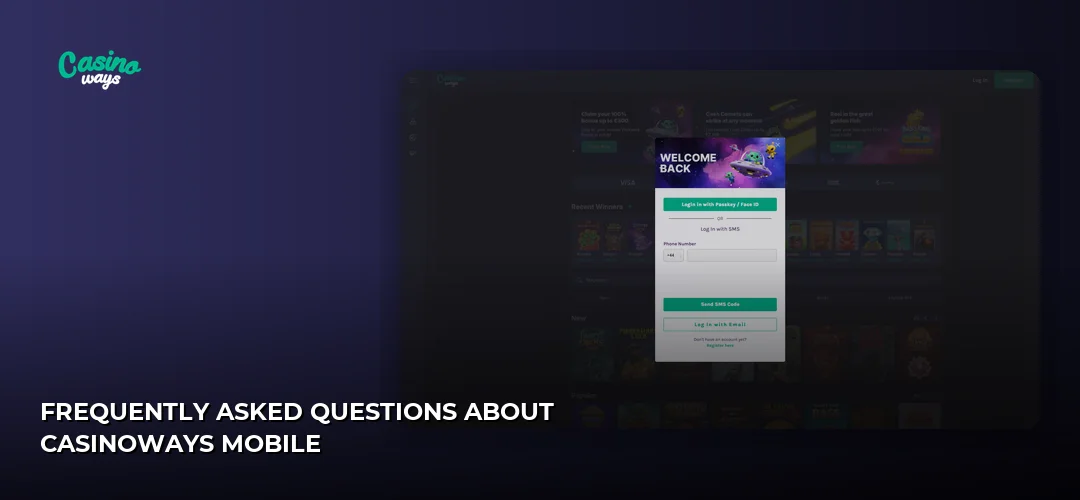
No. Casinoways has no native app for iOS or Android — the operator states the platform is fully mobile compatible and no app download is required. You play through your phone’s browser and can add the site to your Home Screen for one-tap access.
Is the Casinoways app available for Android?
No. There is no Casinoways app or APK for Android. The casino runs in your mobile browser, which the operator describes as fully mobile compatible, so you open the site in Chrome and optionally add a Home Screen shortcut instead of installing anything.
Skip the app stores entirely — open Casinoways in your mobile browser, register or log in, and start playing straight away.